
.png)
.jpg)


2x Notebook/MacBook on 3 Monitor and USB schwitchable Docking-Station LAN/2x50W-PD, KCEVE KC-KVM203DS


2x Notebook/MacBook on 3 Monitor and USB schwitchable TB4 compatible Docking-Station LAN/2x50W-PD, KCEVE KC-KVM203DS
Thunderbolt 4 KVM Switch for 3 Monitors
This 12-in-1 USB C KVM Switch Docking Station allows you to switch up to 3 monitors between 2 laptops and/or MacBooks, Mac mini, mini PC etc.
It shares multiple USB peripherals over 10Gbps USB-C/A, 2 x 5Gbps USB-A ports, supports SD/TF card reading, delivers dual-50W PD charging (additional 100W charging power supply required) and active Gigabit Ethernet connectivity to any laptop at the same time.
Effortlessly change the operation of this KVM switch "Three-Monitor" docking station between 2 laptops via button on the switch or the included cable remote control.

This 12-in-1 USB C KVM Switch Docking Station allows you to switch up to 3 monitors between 2 laptops and/or MacBooks, Mac mini, mini PC etc.
It shares multiple USB peripherals over 10Gbps USB-C/A, 2 x 5Gbps USB-A ports, supports SD/TF card reading, delivers dual-50W PD charging (additional 100W charging power supply required) and active Gigabit Ethernet connectivity to any laptop at the same time.
Effortlessly change the operation of this KVM switch "Three-Monitor" docking station between 2 laptops via button on the switch or the included cable remote control.
Effortlessly switch between 2 laptops, mini PC, MacBook, Mac mini, with up to 3 monitors, 4 USB devices and SD/TF card reader.
Supports USB3.2 10Gbps, 3× 4K@60Hz output, 100W (2x 50W) PD and Gigabit Ethernet (always permanent on both computers).
- Blow the display limits of M1-M5: Unlike traditional 3 monitor KVM switches, this DisplayLink KVM switch allows the advanced display for Macs with M1/M2/M3/M4/M4/M5 processors.
- ATTENTION: System requirement of laptops, MacBooks, Mac mini or mini PC is at least USB 3.2Gen.2 or TB4 USB-C, as well as the driver installation of the DisplayLink driver, so that the functions of this KVM switch can be used.
- Compatible with Win10+ & macOS 11+. Supports mirror (AAAA) display and the extended display modes (ABBB/ABBC/ABCD).
- Important Notes: 1. This USB-C KVM switch requires the installation of a DisplayLink driver to work properly (use the included USB stick or charge the driver from the official DisplayLink web) 2.
- Computer power: It is recommended to use an Intel Core i7 or higher CPU and at least 16 GB of RAM.
- High compatibility : This DisplayLink 3 Monitor Docking KVM switch is compatible with USB4, Thunderbolt 5/4, USB-C Windows laptops and mini PCs (from 3.2Gen.2 or TB4), MacBook, Mac Mini, MacBook Neo; Supports Win10+, ChromeOS 100+, macOS 11+, Ubuntu. NOTE: Not compatible with Linux/Unix.
- Simultaneous output of up to three 4K@60Hz monitors: This Thunderbolt compatible USB-C KVM switch supports a simultaneous output of three external monitors (yes max. 4K@60Hz ), backwards compatible with lower resolutions. Note: Use the included Thunderbolt 4 compatible cables (40 Gbit/s) for connecting laptop KVM; HDMI/DP cable ≤1.5m recommended. Monitor A/B: HDMI only; Monitor C: DP or HDMI ).
- Easily switch: Easily switch the operation/display between the 2 laptops/mini PC, MacBook via the button on the switch or the cable remote control. Blue and green LEDs each display two laptops. Note: Shortcut keys (hotkey) are not supported.
- Includes: USB-C KVM switch for 3 monitors, 2×Thunderbolt 4 cables, wired remote control, USB driver disk, 12V/2A power supply and instruction manual (English only).

Supports the "Enhanced Desktop" of 3 external monitor outputs.
Compatible with Mac Series TB4 integrated with M1/M2/M3/M4/M5.

This DisplayLink KVM Switch Docking Station requires a DisplayLink driver installation.
Please note before buying, you can/may install drivers on your device.

PD 100W | Charging 2 laptops simultaneously (50W per device). Additional 100W charging power supply required

Switching via button on the switch or cable remote control (approx. 1.5 m), only 3-5 seconds response time
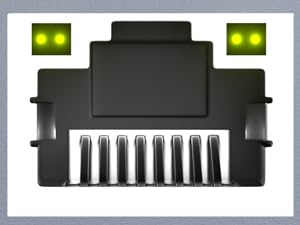 |
Gigabit EthernetSupports simultaneous network access for two laptops. |
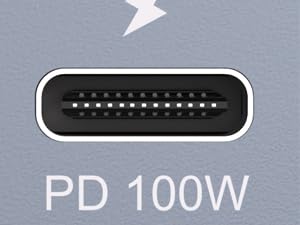 |
50W charging per laptop
Charge 2 laptops at once and fix charging issues when using a KVM switch. |
 |
Compatible with M1-M5 chipsAllows extended output for M1-M5 chips, interface & protocol backwards compatibility. |
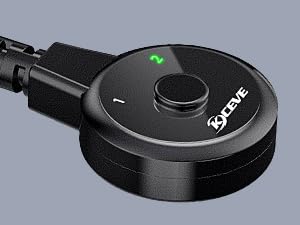 |
Cable remote control approx. 1.5 mOne-click switch with digital LED display for active PC, facilitates cable management. |
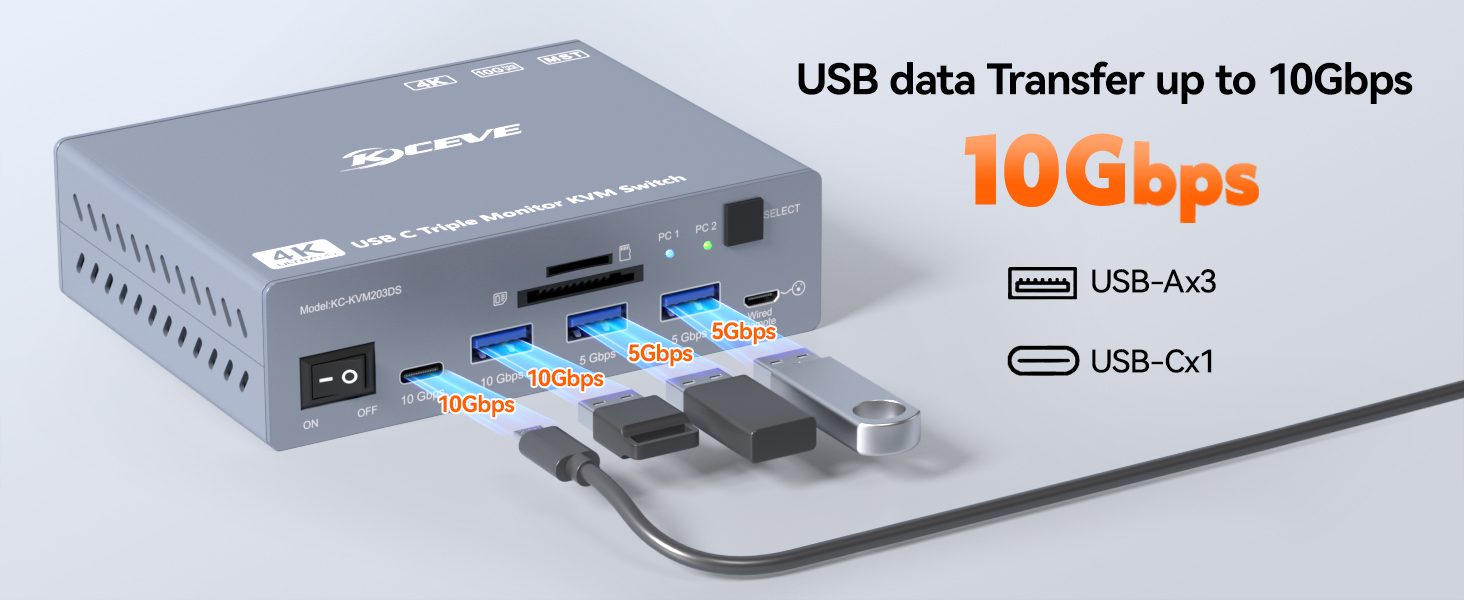 |
USB-C Hub extension1×USB-C, 3×USB-A and SD/TF slots – enable the alternating use of USB peripherals. |
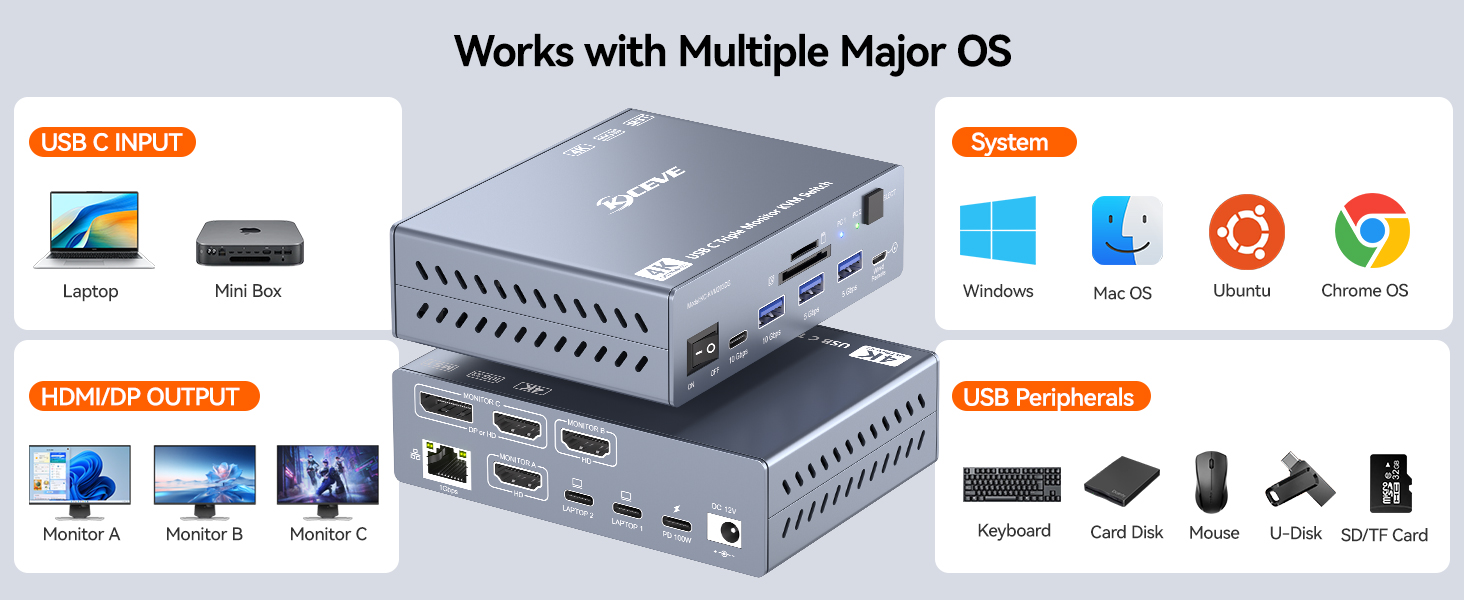 |
Extensive supportUSB-C (3.2Gen.2 / TB4) from laptops, mini PC, MacBooks and Mac mini to up to three monitors and the USB peripherals. |
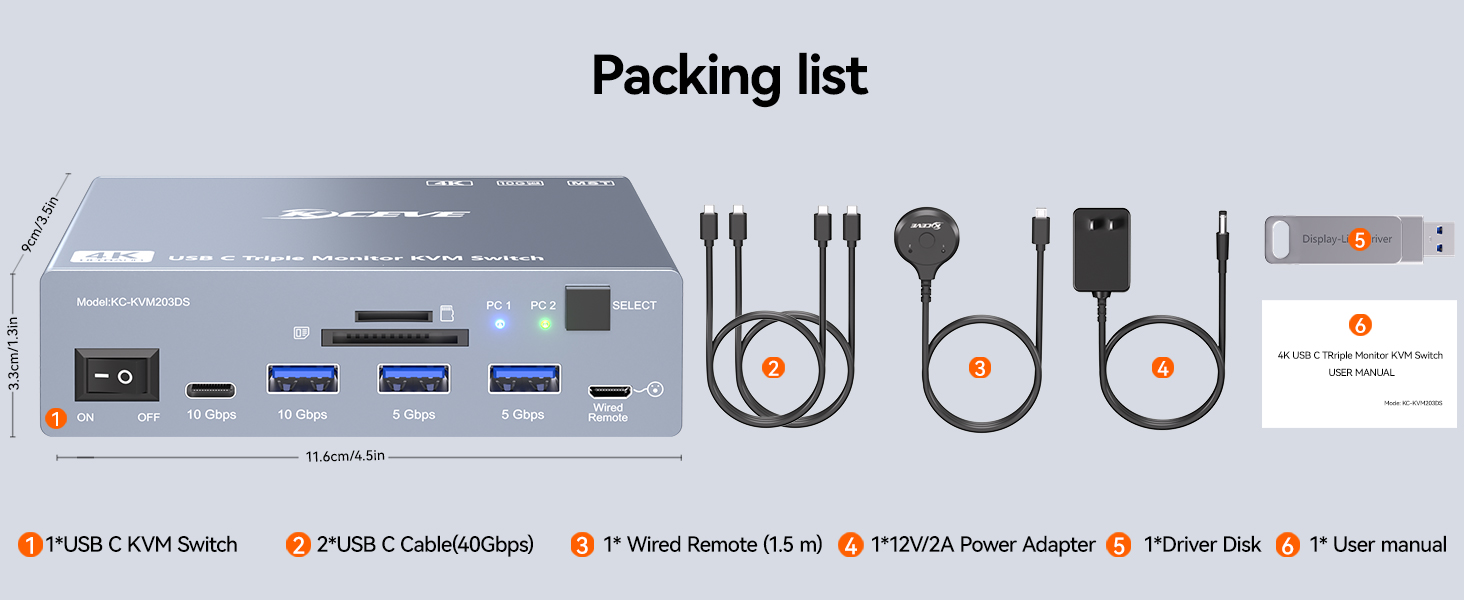 |
Scope of delivery1x USB-C KVM Switch for 3 Monitors2×Thunderbolt 4 cable 1x wired remote control 1x USB driver disk 1x 12V/2A power supply (EU) 1x User Manual (English only). |
Further Information
Inputs:
Two USB-C input ports (minimum requirement: Type-C 3.2 or TB4).
The PD port can charge both connected input devices simultaneously (power is distributed equally) with 50W each.
Supports standard PD 3.0 protocol. Does NOT support proprietary fast-charging protocols.
Supports standard PD 3.0 protocol. Does NOT support proprietary fast-charging protocols.
Outputs:
Without driver installation: only Monitor A can output (at 4K 60Hz).
After driver installation: the second layer supports 3-select-2 output (one selection is between DP and HDMI), delivering two 4K 60Hz screens. Supports MST (Multi-Stream Transport) output for Apple and Windows devices, enabling up to 3 extended screens at 4K 60Hz resolution.
Gigabit Ethernet:
Built-in Gigabit Ethernet port, providing network access to two connected devices simultaneously.
Maximum downstream speed: 920 Mbps; upstream speed: 50 Mbps (actual speed depends on the customer's broadband plan; the device itself supports up to Gigabit speeds).
USB Hub:
2 x USB 10Gbps ports
2 x USB 5Gbps ports
Supports TF/SD card reading.
Power:
Power input: DC 12V/2A
Maximum power: device rated at 15W; the downstream USB hub can power connected peripherals with a total power consumption not exceeding 7W.
HDCP Support:
Supports HDCP 1.4 and HDCP 2.2.
HDR / G-SYNC Support:
Supports HDR.
Does NOT support G-SYNC.
Cable Requirements (Input):
Requires a 20Gbps full-featured Type-C cable (meeting the minimum requirement for full functionality) to each laptop (include in delivery).
Cable Requirements (Output):
2x HDMI 2.0 high-speed cable
1x DP 1.2 high-speed cable (DP 1.4 cable is recommended for best performance).
Host Device Requirements:
Compatible with laptops, MacBoos, Mac mini, or other source devices that have a full-featured Type-C 3.2 port (minimum requirement).
Also supports devices with Thunderbolt 4 ports.